Problem
Built-in dictation is convenient, but the result often still needs editing before it is ready to send. Voice messages add another layer of friction across languages.
 Dmitriy Bannikov / Gummy Labs
01 / iOS / Swift
Turn speech into clean, punctuated text — or translate a voice conversation across languages.
Built-in dictation is convenient, but the result often still needs editing before it is ready to send. Voice messages add another layer of friction across languages.
Both workflows use the same speech pipeline: capture audio, transcribe it into usable text, optionally translate it, and hand the result back to the destination app.
Swift, audio capture, speech recognition, translation, text-to-speech, app extensions, Control Center actions, and app handoff.
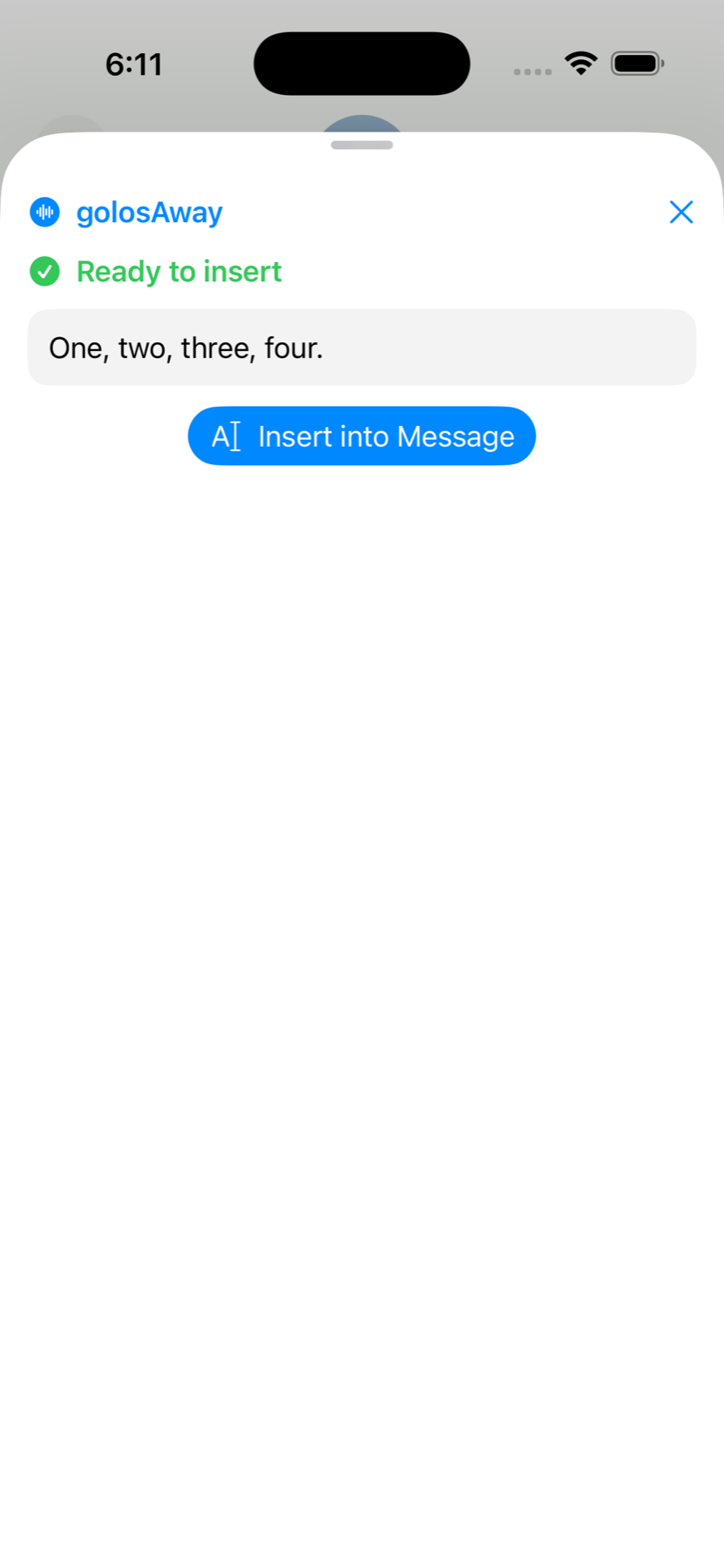
The keyboard extension can surface active recording state, show which preset is currently running, and let you insert the latest result directly into the focused text field.
Users can choose the keyboard language and have golosAway’s own keyboard labels switch to that language instead of staying fixed in English.
When a text-producing preset is active, the keyboard can request stop, wait for processing, and insert the finished result back into the field without sending the user through a separate paste flow.
Start golosAway listening, then play an audio message from another app. The result can be read or played aloud, and a spoken reply can be translated back for handoff.
The current project also includes a Messages extension where users can choose an existing dictation or translation preset, record in-place, and insert the result directly into the conversation.
The workspace supports speech-to-text, optional translation, and generated spoken playback for translated results.
Users can configure a maximum recording length in Settings with a 5-minute default, and presets using After Silence can now stop on pauses up to 30 seconds long.
Very short recordings are rejected locally, cancelled recordings are deleted immediately, and the app keeps results available when background limits prevent auto copy. The keyboard also exposes a compact utility row with delete, return, space, and keyboard-dismiss controls.
Built for fast voice workflows
golosAway is positioned around one calm idea: capture speech, translate it when needed, and move it into the next place you need it without turning the process into a long sequence of taps, keyboard changes, and manual paste steps.